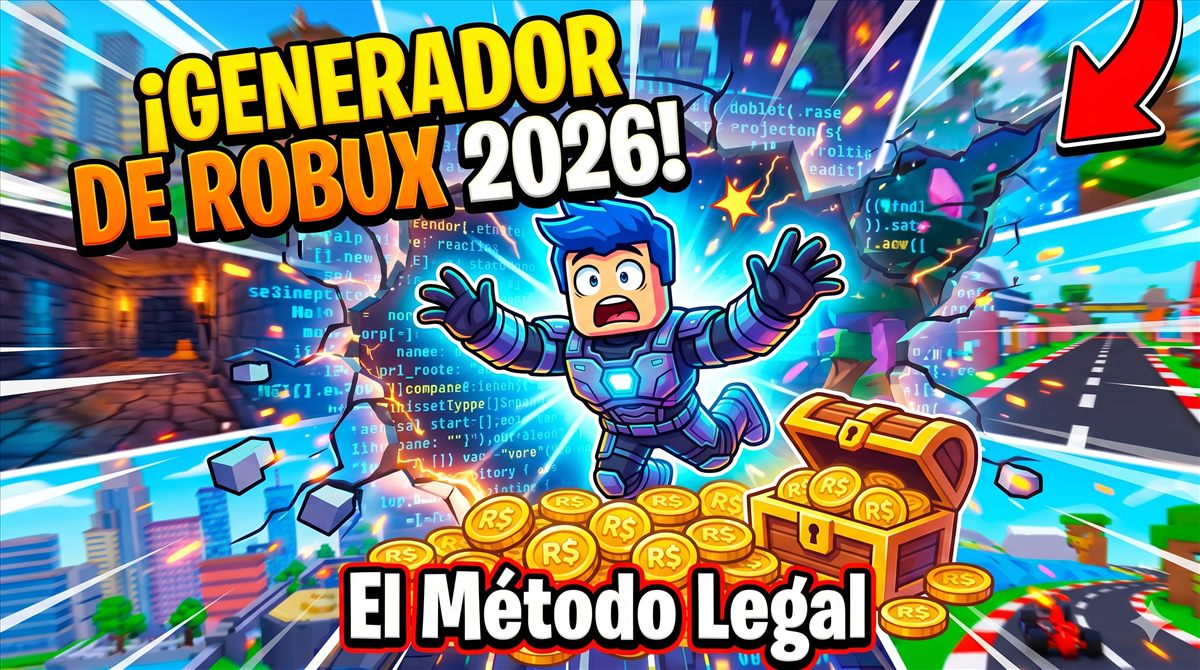
How Microsoft Rewards Works for Getting Robux
In the vast metaverse of Roblox, the official currency that moves absolutely everything is called Robux. From buying access to exclusive games, to acquiring Gamepasses that give you incredible advantages, or customizing your avatar with limited edition accessories; everything requires Robux. Due to this immense demand, the internet is filled with supposed fake Robux pages that promise millions of coins with a single click. The harsh reality is that 99.9% of these sites are scams designed to steal your account or infect your computer.
However, there is a "legal method" that is not only real, but is 100% legal, safe, and backed by one of the largest technology companies on the planet. In RobloxMania, we explain to you the legal Microsoft Rewards method through its Microsoft Rewards program. If you are willing to spend a few minutes a day, you will be able to get official Roblox gift cards consistently without spending a single cent from your pocket.
What This Guide Covers
- What Microsoft Rewards Is and How It Offers Roblox Gift Cards
- How to Set Up Microsoft Rewards Step by Step
- How to Earn More Points Through Daily Activities
- How to Use Xbox Game Pass and the Mobile App
- How to Redeem Points for Roblox Gift Cards
- What to Check Before Redeeming Your Points
What Microsoft Rewards Is and How It Offers Roblox Gift Cards
To understand why this method works, we must look at the business model. Microsoft owns the Bing search engine and the Edge browser. To compete against giants like Google Chrome, Microsoft created a loyalty program called Microsoft Rewards. Basically, they pay you for using their services. Every time you perform a search on Bing, complete a trivia, or use their browser, they give you "Reward Points."
Roblox Corporation and Microsoft have had an official partnership for years. Therefore, within the Microsoft Rewards prize catalog, you can find the Roblox Digital Gift Cards (Roblox Digital Gift Cards). You are trading your time and browsing data for official virtual currency. It's a deal where both parties win and, most importantly, your Roblox account is never at risk because you don't have to give your password.
How to Set Up Microsoft Rewards Step by Step
To start generating your virtual fortune, you need to set up your work environment. It will take you no more than 5 minutes:
- Create a Microsoft account: If you have an Outlook, Hotmail, or Xbox account, you already have one. If not, go to
rewards.microsoft.comand register for free. - Download Microsoft Edge: Although you can use Chrome, Edge gives you monthly bonus points simply for using it as your default browser.
- Log In and Activate the Program: Once in your account, make sure to activate the Rewards panel. You will see a points counter in the top right corner that will start at zero.
How to Earn More Points Through Daily Activities
The secret of Microsoft Rewards is not to do it one day and forget, it is the proof. Here we detail the daily routine we use in RobloxMania to accumulate thousands of points per month:
- The Daily Panel (Daily Set): Every day, the Rewards panel is updated with 3 quick activities. They are usually multiple-choice quizzes (it doesn't matter if you get them wrong), one-click opinion surveys, or links to news articles. Completing the daily set takes less than 2 minutes and gives you between 30 and 50 points.
- The Streaks: If you complete the Daily Panel several days in a row, you unlock streak bonuses. Upon reaching streaks of 7, 14, or 21 days, Microsoft gives you massive bonuses of 150 extra points. Don't break the chain!
- PC Searches: You can earn up to 90 daily points (in most regions) by searching on Bing from your computer. Just search for random things ("weather," "movies 2026," "Roblox") until the meter is full.
- Mobile Searches: If you download the Bing app on your phone, you have a separate meter for mobile searches, giving you another 60 additional points daily.
How to Use Xbox Game Pass and the Mobile App
If you want to speed up the process to industrial levels, you need to integrate the Xbox ecosystem. You don’t need to have the physical console, just the Xbox app on your PC or phone.
- The Xbox App (Mobile): Just for opening the Xbox app on your phone every day, you earn points. If you play a level of "Jewel" (a mini-game built into the app) you earn even more. If you play a multiplayer PC game with friends, the points increase drastically.
- Xbox Game Pass Quests: If you are subscribed to Game Pass, there are weekly and monthly "Missions." Simply by earning an achievement in any game, or playing a specific game, you are given huge rewards of up to 500 hit points.
How to Redeem Points for Roblox Gift Cards
Once you have accumulated the required amount (usually 1,500 points equal 100 Robux, although values may vary slightly depending on your country in 2026), the process is very satisfying:
- Go to the tab Redeem (Redeem) on the Microsoft Rewards panel.
- Search for "Roblox digital code" in the rewards search.
- Select the amount you want to redeem and confirm.
- Microsoft will send an email to your inbox with a 10 to 12-digit PIN.
- Go to
roblox.com/redeem, log in to your Roblox account, paste the PIN, and done! Your Robux will be added to your balance immediately.
What to Check Before Redeeming Your Points
The dream of getting Robux through official methods without risking your account is completely possible thanks to Microsoft Rewards. Unlike scams that promise magical immediacy, this is a progressive and real method. It will teach you the value of consistency. By dedicating just 5 or 10 minutes a day while traveling on the bus or before going to sleep to do your searches and surveys, you can ensure progressive progress towards gift cards when the program is available. Apply these safe tips for RobloxMania and say goodbye forever to default avatars. Start farming your points today!
More RobloxMania guides
Continue with these internal guides to compare strategies, codes, and maps without leaving the blog.